
Build your own approach.
Explore worked examples, combine skills, and save your favorite prompt recipes.

You bring the possibility. PromptForge helps you build better AI prompts with visual examples, reusable prompt recipes, and a space that feels like you.
You know what you want to accomplish. Finding the words to ask for it is another matter. PromptForge turns that moment into a guided creative process.
Full library available when signed in. Public examples are a small curated selection.
Build prompts for marketing and content creation, business plans, code reviews, research briefs, and storytelling. Combine visual thinking skills for infographics, diagrams, and customer journeys, or choose structured text, checklists, and comparisons.
Start with a request, combine several skill tiles, and see how the recipe shapes a visual or structured-text response.
An online order, explained at a glance
You confirm the items and delivery address.
The store checks payment and reserves available stock.
The team packs the parcel and shares its tracking link.
The courier completes delivery; support handles an issue.
If an item is unavailable: the store contacts you to choose a replacement, wait, or request a refund. The exact options depend on store policy.
Prepared example for this complete recipe. Paste the prompt into an AI tool with the visual or text tools your task needs. Its response may differ.
Explore the full studioHelp a first-time customer understand what happens to an online order, from checkout to delivery. Show who does what, what updates they receive, and what happens if an item is unavailable.Try this recipe yourself
Glossy glass, clear controls, and useful examples. The same studio, at your desk or in your hand.
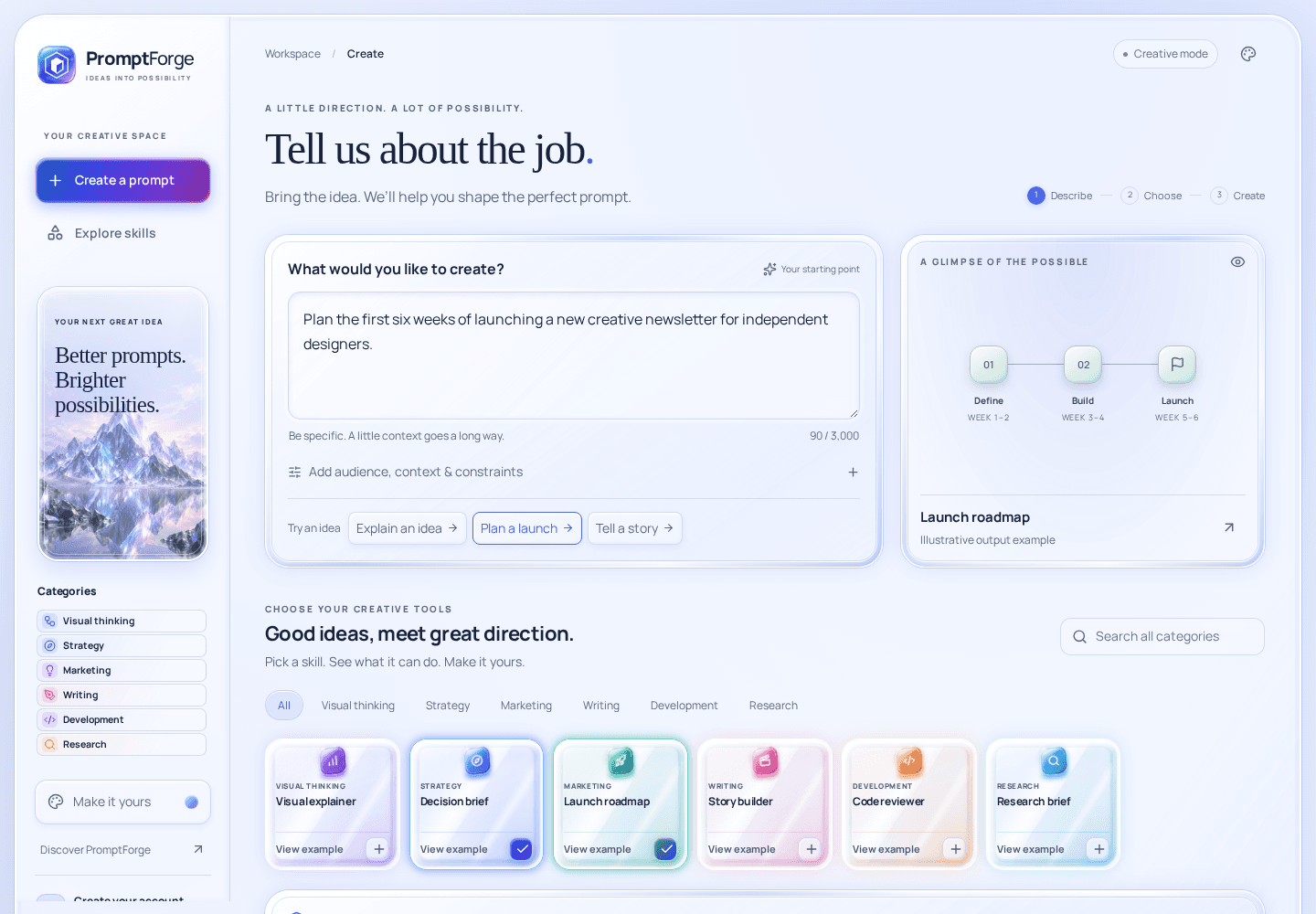
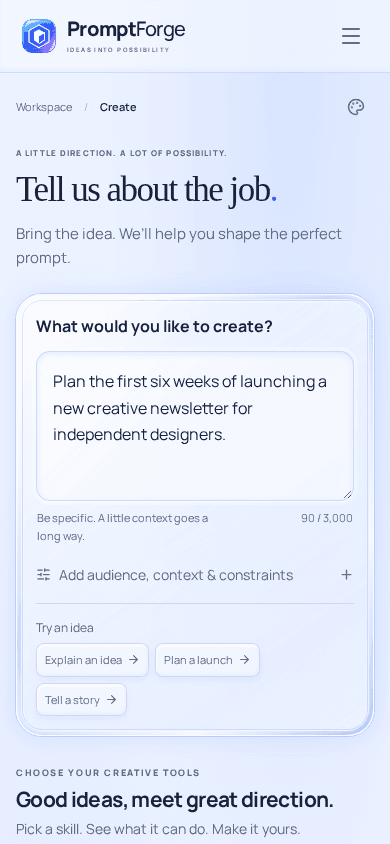
Screenshots of the working public studio preview. Example content; no personal account data.
Explore worked examples, combine skills, and save your favorite prompt recipes.
Save prompts, revisit earlier versions, and export your work when you need it.
Copy your finished prompt, open the AI chat you prefer, and paste it into a new conversation.
Verified accounts, optional two-factor authentication, private saved work, and ownership checks.
Build an AI prompt that compares options, exposes assumptions, and turns a business decision into practical next steps.
Explore this use case MarketersCreate a marketing prompt with an audience, a clear offer, channel choices, and a launch plan you can measure.
Explore this use case DevelopersStructure AI code reviews around concrete evidence, authorization boundaries, failure cases, and focused tests.
Explore this use caseCrystal clarity. Titanium calm. Aurora energy. Cream softness. Choose a skin, switch between day and night, and settle into your own creative rhythm.
A practical guide to specifying the task, audience, context, constraints, and output shape of an AI prompt.
Read the guide Studio practice · 6 min readBuild small, ordered prompt recipes; spot conflicting requirements; and improve the result through deliberate revisions.
Read the guide Your next step · 5 min readCreate a prompt in PromptForge, copy it, and paste it into your preferred AI chat. Review the response and improve your next request.
Read the guideExplore the studio, try the full library with an account, and find an approach that works for you. Launch pricing is still to come.
This preview does not collect PromptForge payments. Your chosen AI chat manages its own plans and limits.Yes. It turns your brief and selected skills into a structured prompt that you can copy into your chosen AI chat. Reusable prompt recipes serve as flexible templates for marketing, research, writing, coding, and visual explanations. PromptForge builds the instructions; your chosen chat produces the answer.
The public demo and studio preview let you build, copy, and export prompts using a small set of public skills. Create an account for the full 1,413-skill library, favorites, saved prompts, recipe presets, and revision history.
No. PromptForge assembles your brief and selected approaches without calling an AI model. Copy the generated prompt and paste it into your chosen AI chat to get a response there.
Copy a prompt into the chat product you already use. Sign in to that chat app with your own account, paste the prompt into a conversation, and send it. There is no AI account setup in PromptForge.
The library includes prepared worked examples: writing, charts, code, diagrams, and original artwork. They show what an approach can produce, and are labeled as examples. They are not live responses or a guarantee of a model’s output. The AI tool you choose determines what it can render.
Your brief is sent to PromptForge to compile it and stored when you choose to save. PromptForge does not send your prompt to an AI service. You copy and paste it into your chosen chat app, where that service handles the conversation. You can export saved work and delete your PromptForge account.
You can explore the public preview now. Launch pricing has not been announced, and this preview does not collect a PromptForge payment. Your chosen chat app manages its own plans and usage limits.
Yes. The public pages and studio adapt to desktop and mobile. Choose Crystal, Titanium, Aurora, or Cream, with day, night, or system appearance.
Explore the preview. Give your next prompt a little direction.
Create your account Or explore the studio preview